


Your whole life, finally in one place
Planners for 2026, 2027 and 2028, with every date filled in
- Never miss another appointment
- Easy, even if you're not techy
- Works on iPad, iPhone, Android and computer
- Any day in two taps, no flipping
- Make it yours: 3 colours, 3 layouts, 150 covers
- Pay once, plan for years
Is this a one-time price?
Yes. You pay once and keep your planner. 2026, 2027 and 2028 are all included today.
I'm not good with technology. Will I manage?
Yes. If you can tap a screen, you can use it. A short guide and video show you every step, and most people are planning within minutes.
Which devices does it work on?
iPad, iPhone, Android tablets and phones, Windows, Mac, Kindle Scribe and reMarkable, with a notes app such as GoodNotes, Notability or the free Xodo.
How do I get it?
Right after checkout you receive an email with your download link, your planner, the covers and the Quick Start Guide.
What if I get stuck?
Email hello@gentleplanner.store. A real person replies and walks you through it.
Your life is everywhere. Except in one place.
“I booked two things at the same time.”
One on the fridge calendar, one in my phone, one on a sticky note. I found out in the waiting room.
“There are sticky notes on everything.”
The dentist on one, groceries on another, a flight time on a third. It's here somewhere.
“I have a drawer full of half-used planners.”
Bought in January, forgotten by March. My whole life is in there, just not in one place.
You're not disorganised. Your system is just scattered, and that is easy to fix.

Tap an hour. It's in your calendar.
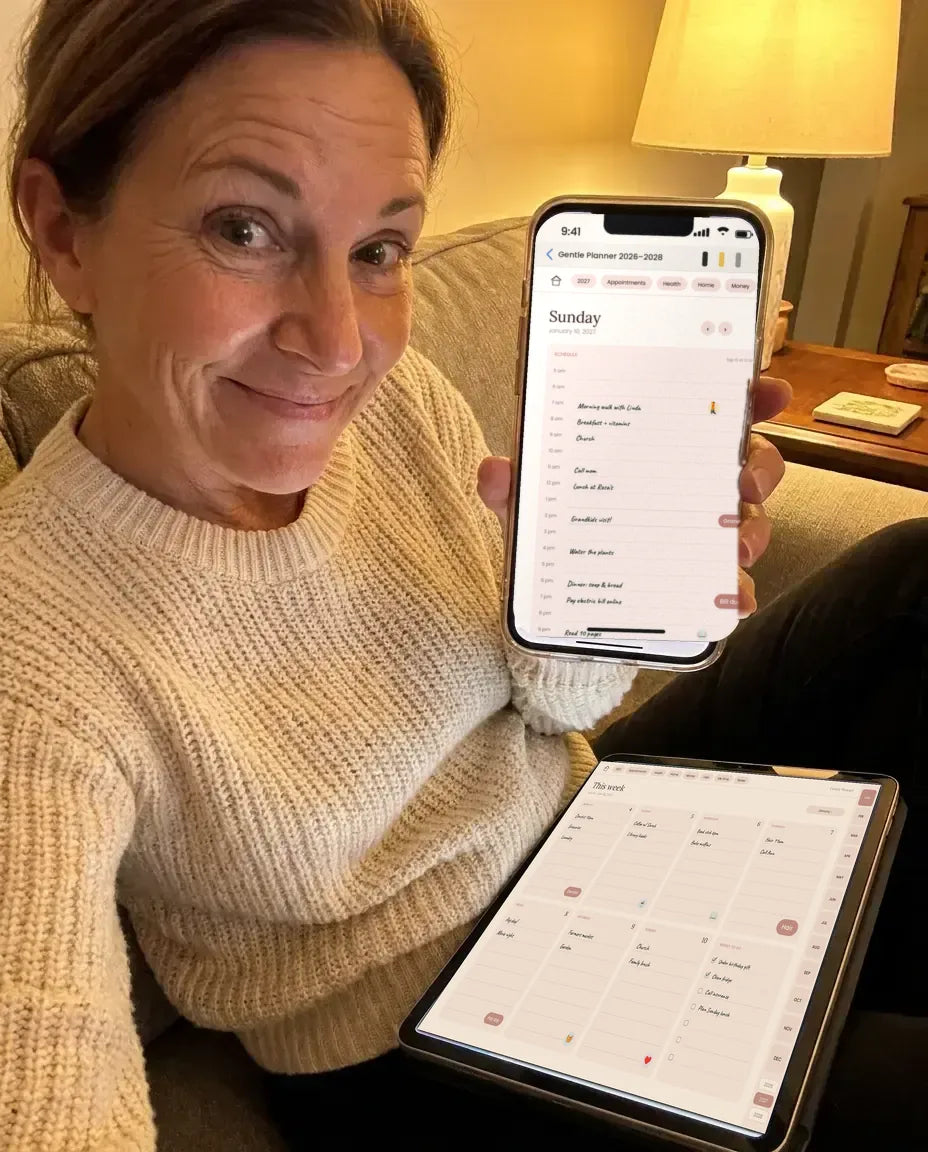
Every hour on your day page has two small buttons. Tap one and Google or Outlook Calendar opens with the date and time already filled in. Your phone reminds you, so nothing slips your mind.
- Works with the calendar you already use
- No typing things in twice
- Reminders right on your phone

Plan on your tablet. Check it on your phone.
Write it at the kitchen table, check it in the waiting room. Your notes app keeps your planner the same on every device you sign in to.
- Tablet, phone and computer
- Always up to date
- Your planner goes wherever you go

No flipping. Just tap.
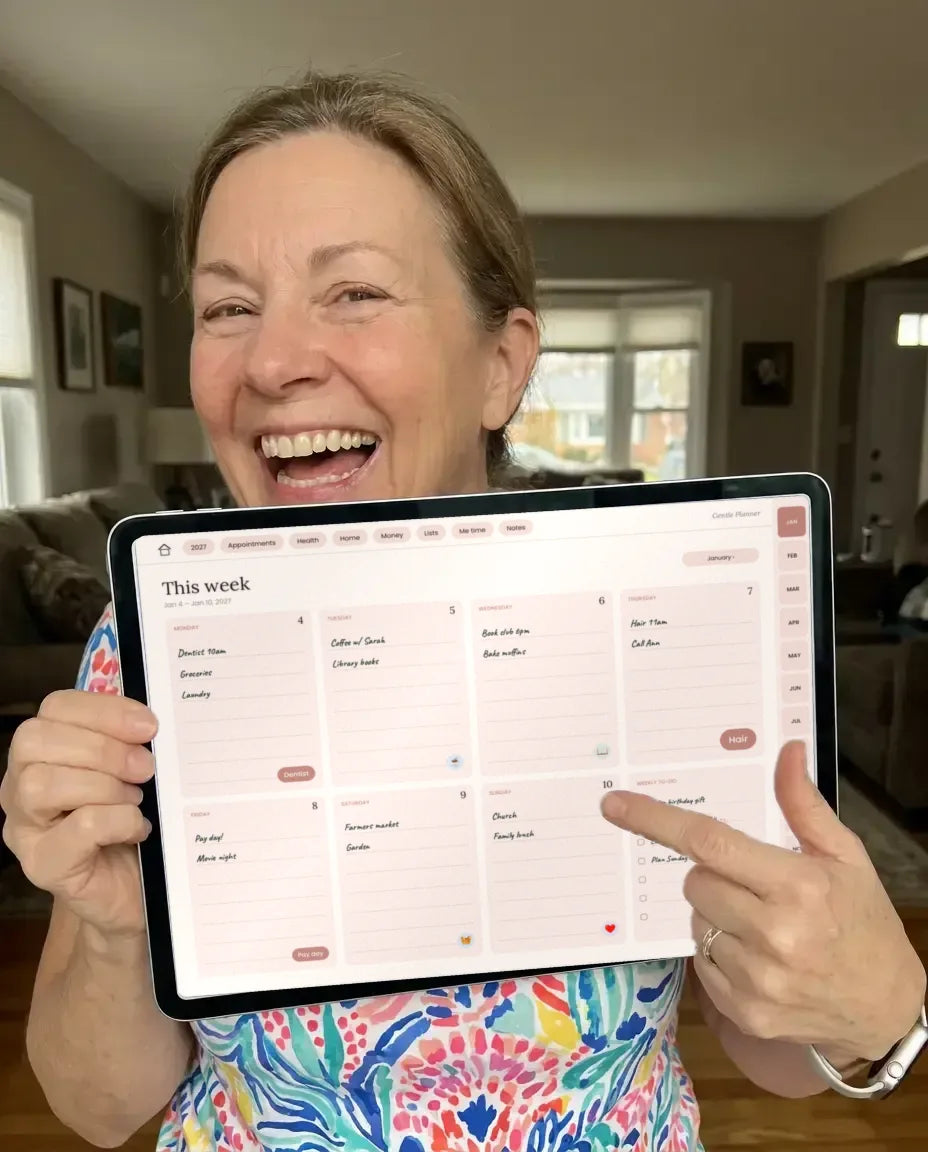
Every tab, month and date is a link. Tap the month, tap the day, and you're there in two seconds.
- Every day and month one tap away
- A little house button always takes you home
- Your finger is all you need
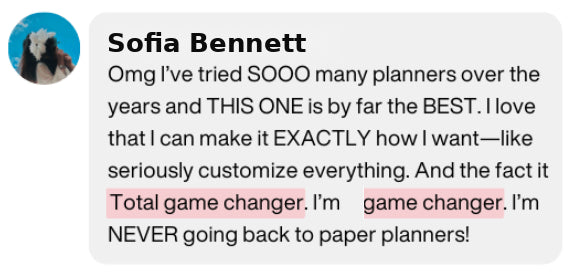
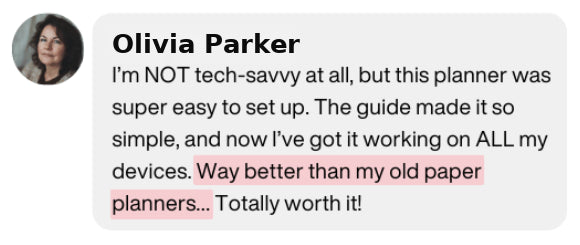
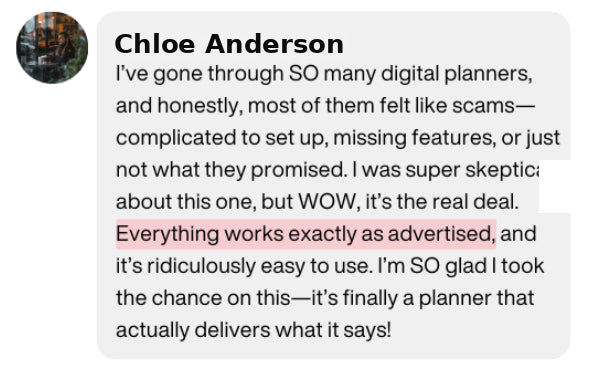
What our customers say
One planner for every part of your life

Appointments & birthdays
An hourly schedule for every day, doctor visit cards and a birthday list for the whole year.

Health & wellness
A simple log for medications and vitamins, plus sleep, water and habit trackers.

Home & family
Meal planner, grocery list, cleaning checklist and a contacts page.

Money, to-dos & goals
Monthly budget, bills tracker, savings goals, to-do lists, projects and goals.
Plus unlimited notes pages and much more.
What Women Like You Are Saying
Planning made calm, on any device.
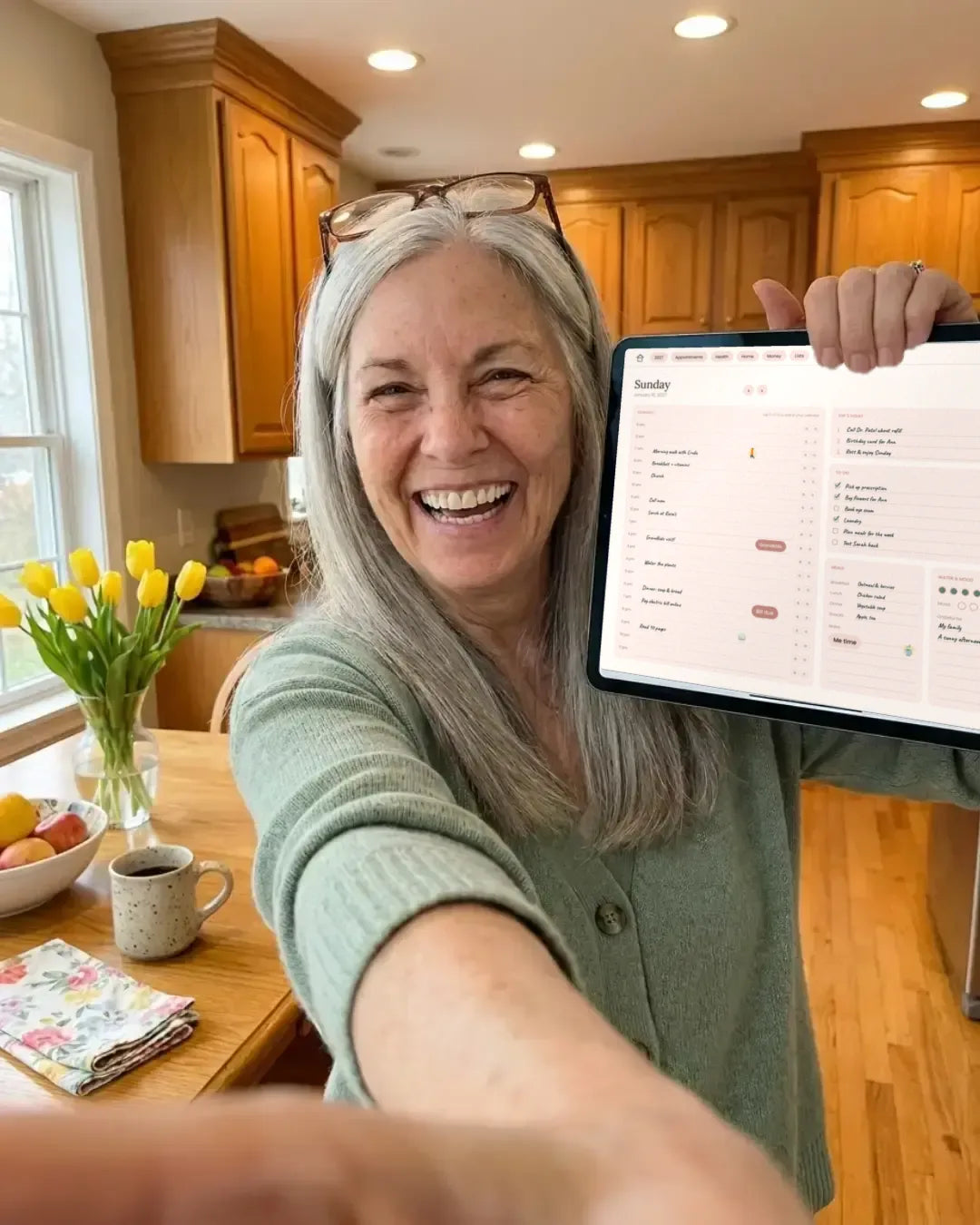
The best of paper, without the bits you don't miss
| Gentle Planner | Paper planner | |
|---|---|---|
| All in one place | Your whole life in one planner | Notebooks, a fridge calendar and sticky notes |
| Reminders | Google and Outlook buttons on every hour | None |
| New year | 2026, 2027 and 2028 included | A new planner every January |
| Finding a day | Two taps | Flip, flip, flip |
| Take it with you | Phone, tablet and computer | Only if you remembered it |
| Mistakes | Erase with one tap | Messy cross-outs |
| Your style | Colours, layouts, start day, 150 covers | Stuck as printed |
One planner. A calmer week.
Nothing slips through
Every visit, every bill, every birthday, with a reminder on your phone.
A quieter mind
Write it down once, then let it go.
More time for you
Less hunting for notes, more time for family and for yourself.
A routine that lasts
A planner you actually want to open, so good habits finally stick.

Goodbye to the January restart
- JanuaryA brand-new planner. Copying every birthday by hand.
- MarchThe cover starts to peel.
- JulyThe page with the plumber's number tears out.
- OctoberIt's on the kitchen counter the day you need it.
- DecemberIt runs out, and into the drawer it goes.
Gentle Planner breaks the cycle.
Runs out in December2026, 2027 and 2028 includedFlipping through 200 pagesAny day in two tapsMessy cross-outsErase and redo with a tap

A planner that looks the way you like
Choose the colour, the weekly layout and the day your week starts. Then pick a cover that makes you smile, and change it whenever you like.
- 3 calm colours: Sage, Blush and Dusty Blue
- 3 week layouts: Classic, Columns or List
- Week starts Monday or Sunday
- 150 covers to choose from

Works on the device you already own
iPad, iPhone, Android tablets and phones, Windows, Mac, Kindle Scribe and reMarkable. Open it in GoodNotes, Notability or the free Xodo app, write with your finger, a stylus or your keyboard.
Everything you need to start easy
18 planner versions
Every colour and layout, with Monday or Sunday start. Pick the one you love.

150 cover designs
Change the look of your planner whenever you like.

Quick Start Guide & video
Simple steps with pictures, plus a short video. No tech skills needed.
Up and running in 3 simple steps
Pick a notes app
GoodNotes or Notability on iPad and iPhone, the free Xodo on Android and computer.
Open your planner
Download it from your email and open it in your app. The guide shows you where to tap.
Start planning
Choose your colour, add your first appointment and enjoy a calmer week.
Planning should feel calm, not complicated
We made Gentle Planner for people who loved their paper planner but were tired of starting over every January, carrying it everywhere and still missing things.
One place for appointments, lists, money, health and notes. Simple enough for anyone who can tap a screen, and it keeps going year after year.
We hope it brings a little calm to your week.
The Gentle Planner team
Here's everything you get today
- Gentle Planner 2026 (dated & hyperlinked)Included
- 2027 + 2028 plannersIncluded
- 18 versions: 3 colours × 3 layouts × start dayIncluded
- 150 cover designsIncluded
- Quick Start Guide + videoIncluded
Everything above, one payment:
Here's what people ask us most
Are the planners dated?
Yes. 2026, 2027 and 2028 come with every date filled in and hourly slots from 5 am to 11 pm.
Can I start now, or should I wait for January?
Start today. All three years are yours right away, so you can plan this week and book next year's appointments.
Do I need a special pen?
No. Write with your finger, any stylus, or type with your keyboard.
Can I add my own photos and stickers?
Yes. Most notes apps let you add photos and stickers anywhere on the page.
What if I run out of pages?
You won't. You can duplicate any notes page in your app as many times as you like.
Can I print it?
Yes. You can print any page whenever you need a paper copy.
Can I share it with my husband or daughter?
Appointments you add with the calendar buttons land in your Google or Outlook calendar, so anyone you share that calendar with sees them too.
What happens when a new year starts?
Nothing is lost. 2027 and 2028 are already inside, and your past pages stay exactly as you wrote them.
What if I get a new device or lose the file?
Keep your download email, and turn on backup in your notes app. You can always download your planner again from the email.
Is my information private?
Yes. Your planner stays on your own device and in your own cloud account. We never see what you write.